What Is Web Hosting? A Complete Beginner’s Guide
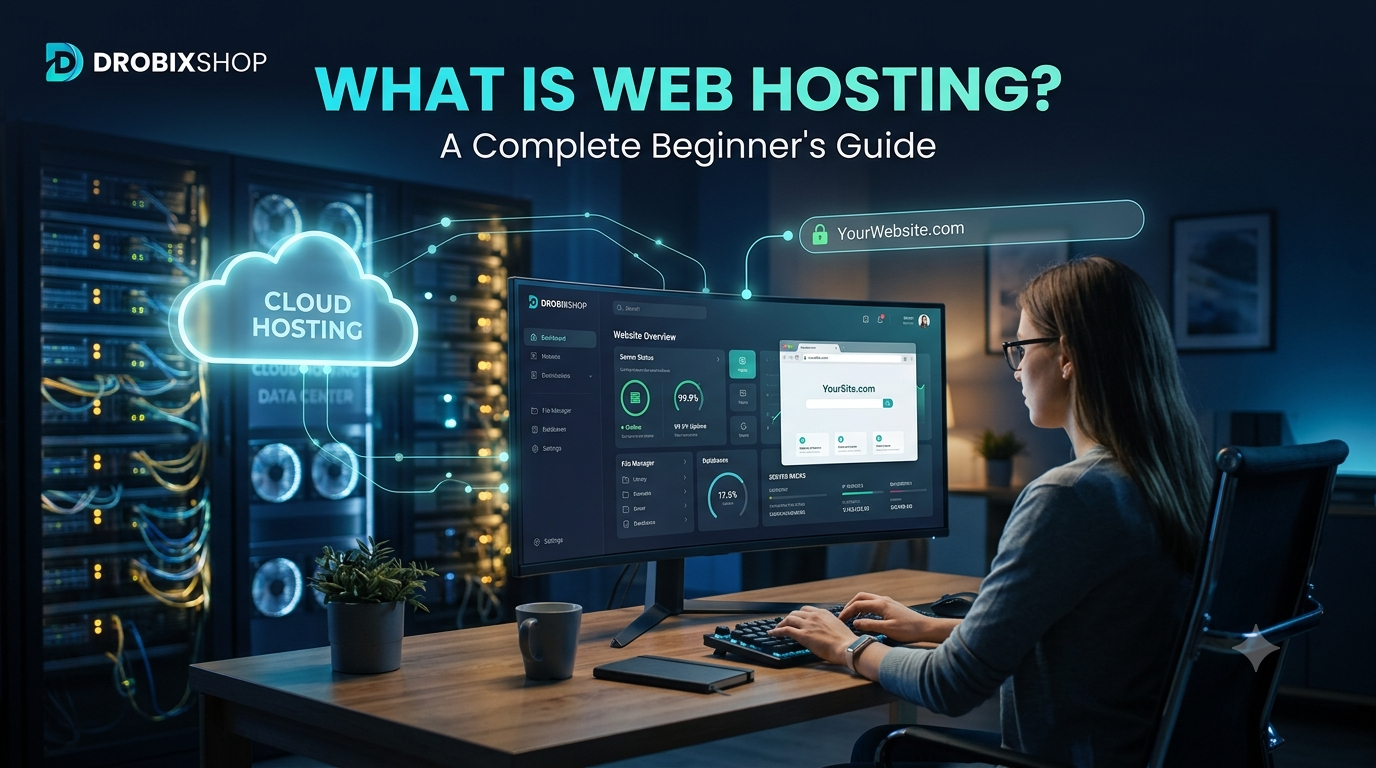
What Is Web Hosting? A Complete Beginner’s Guide
If you want to build a website, blog, online store, or affiliate marketing website, one of the first things you need is web hosting.
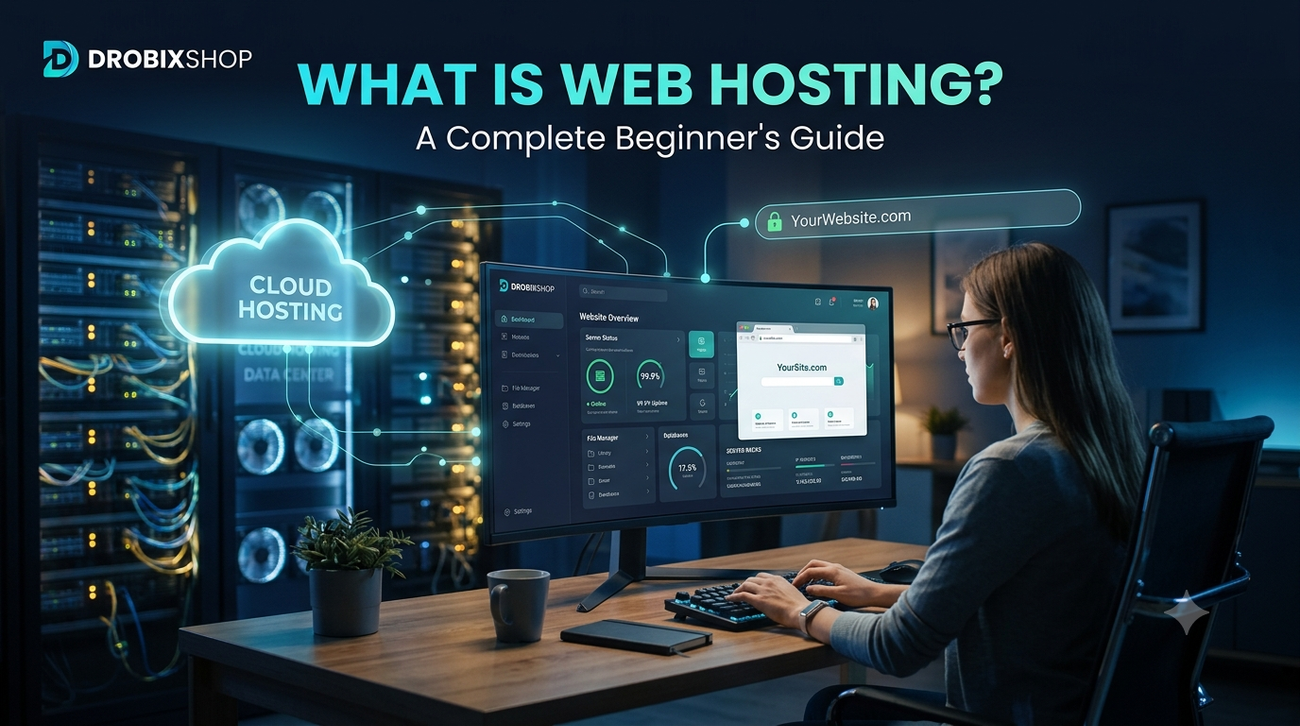
But what exactly is web hosting? How does it work? What type of hosting should you choose?
In this beginner-friendly guide, Drobixshop explains everything you need to know about web hosting before you start your website.
🌐 What Is Web Hosting?
Web hosting is a service that stores your website’s files and makes them accessible on the internet.
Your website contains many different files, including:
-
- Images
-
- Text
-
- HTML
-
- CSS
-
- JavaScript
-
- WordPress files
-
- Databases
These files need to be stored on a server so that people can access your website through a web browser.
A simple example:
Think of your website like a house:
🏠 Domain = Your house address
🏡 Hosting = Your house
📦 Website files = Everything inside your house
When someone enters your domain name, the hosting server delivers your website to their browser.
🔗 Domain vs Web Hosting
Domain and hosting are not the same thing.
Domain
A domain is your website’s online address.
Example:
yourwebsite.com
Web Hosting
Hosting is the server space where your website’s files are stored.
You generally need both:
Domain + Hosting + Website = Online Website
You don’t necessarily need to purchase your domain and hosting from the same company.
⚙️ How Does Web Hosting Work?
Here’s a simplified version of the process:
Visitor → Domain → Hosting Server → Website Files → Visitor’s Browser
For example, when someone visits your website:
-
- They enter your domain.
-
- The domain points to your hosting/server.
-
- The server finds your website files.
-
- The server sends those files to the visitor’s browser.
-
- The website appears on their screen.
That’s how your website becomes accessible worldwide.
🏆 Different Types of Web Hosting
There are several types of web hosting.
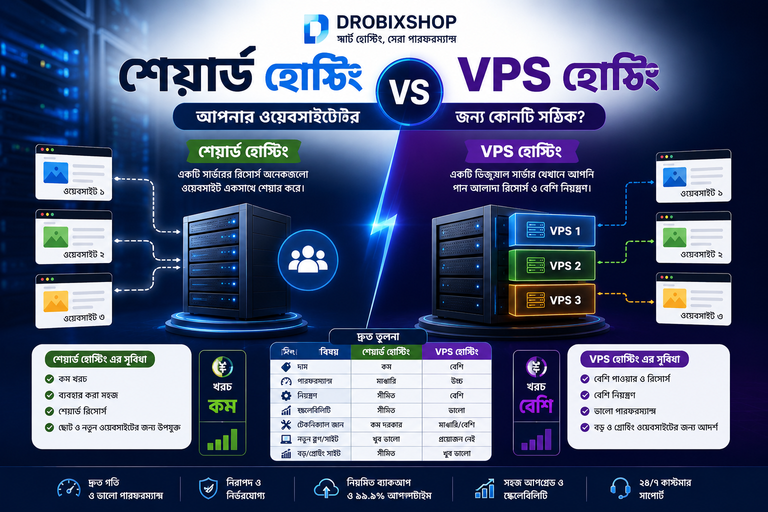
1. Shared Hosting
Shared hosting means multiple websites use resources from the same server environment.
Pros
✅ Affordable
✅ Beginner-friendly
✅ Easy to manage
✅ Good for small websites
✅ Suitable for many new blogs
Cons
❌ Resources are shared
❌ Performance can be affected by resource usage
❌ May become less suitable as a website grows significantly
Best for: Beginners, blogs, small business websites, and new affiliate websites.
2. VPS Hosting
VPS stands for Virtual Private Server.
VPS hosting generally provides more control and resources than basic shared hosting.
Pros
✅ More control
✅ Better resource allocation
✅ Suitable for growing websites
✅ More customization
Cons
❌ More expensive than basic shared hosting
❌ Can require more technical knowledge
Best for: Growing websites and users who need more control.
3. Cloud Hosting
Cloud hosting uses a network of servers and can provide flexible resources and scalability.
Pros
✅ Scalable
✅ Flexible
✅ Suitable for growing websites
✅ Can handle changing resource requirements
Best for: Growing websites and businesses with variable traffic.
4. Dedicated Hosting
With dedicated hosting, an entire physical server is dedicated to one customer.
Pros
✅ High level of control
✅ Powerful resources
✅ Suitable for demanding websites
Cons
❌ More expensive
❌ More technical management may be required
Best for: Large websites and businesses with substantial hosting requirements.
5. WordPress Hosting
WordPress hosting refers to hosting solutions designed or optimized for WordPress websites.
If you’re planning to build:
-
- A blog
-
- Affiliate website
-
- Business website
-
- WordPress store
-
- Content website
WordPress-friendly hosting can make setup and management easier.
💰 What Is the Best Hosting for an Affiliate Website?
If you’re starting an affiliate marketing website, you don’t necessarily need an expensive hosting plan from day one.
Instead, look for:
✅ Good performance
✅ SSL/HTTPS support
✅ Easy WordPress installation
✅ Reliable customer support
✅ Backup options
✅ Security features
✅ Sufficient storage
✅ Ability to upgrade later
As your traffic grows, you can move to a more powerful hosting plan.
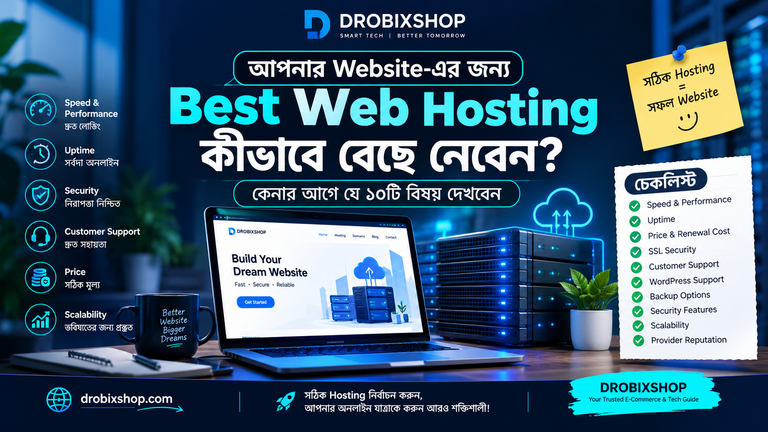
🔍 10 Things to Check Before Buying Web Hosting
Don’t choose hosting based only on the advertised price.
1. Performance
A responsive website provides a better user experience.
2. Reliability
Look for a hosting provider with a strong reliability record.
3. SSL
HTTPS helps protect connections between visitors and your website.
4. Storage
Make sure the plan provides enough storage for your website.
5. Bandwidth / Traffic Allowance
Check how the hosting plan handles visitor traffic and resource usage.
6. Backups
Regular backups can be extremely useful if something goes wrong.
7. Customer Support
Good support can save you significant time when technical problems occur.
8. WordPress Support
If you’re using WordPress, check whether the hosting environment supports it well.
9. Scalability
Your hosting should give you a reasonable upgrade path as your website grows.
10. Renewal Pricing
This is extremely important.
Some hosting providers offer an introductory price and then charge a higher renewal price.
Always check:
Initial price + Renewal price + Included features
before purchasing.
💡 Is Cheap Hosting Always Better?
No.
The cheapest option isn’t necessarily the best option.
For an affiliate website, you should consider:
Performance + Reliability + Security + Support + Scalability
rather than price alone.
🛒 How to Compare Hosting Providers
Before choosing a hosting provider, compare several options.
| Feature | Hosting A | Hosting B | Hosting C |
|---|---|---|---|
| Starting Price | Compare | Compare | Compare |
| Renewal Price | Compare | Compare | Compare |
| SSL | Check | Check | Check |
| Backups | Check | Check | Check |
| WordPress Support | Check | Check | Check |
| Customer Support | Check | Check | Check |
| Performance | Research | Research | Research |
| Upgrade Options | Check | Check | Check |
This helps you make a more informed decision instead of choosing a provider based only on advertising.
🎯 Drobixshop’s Approach
At Drobixshop, our goal is to help readers make smarter purchasing decisions.
Instead of simply asking:
“Which hosting is cheapest?”
we recommend looking at:
Research → Compare → Review → Choose
We’ll publish detailed hosting guides, comparisons, reviews, and deals to help you understand your options.
❓ Frequently Asked Questions
What is web hosting?
Web hosting is a service that stores website files on servers and makes them accessible through the internet.
Do I need both a domain and hosting?
For a typical website, you need a domain to provide the address and hosting/server infrastructure to serve the website.
Can I buy a domain and hosting from different companies?
Yes. Your domain registrar and hosting provider don’t have to be the same company.
What type of hosting is best for beginners?
An affordable, easy-to-manage hosting plan with WordPress support, SSL, backups, and reliable support can be a good starting point.
Do affiliate websites need hosting?
Yes. An affiliate website needs hosting or another server environment to be available online.
💰 Affiliate Disclosure
Disclosure: Some links on Drobixshop may be affiliate links. If you purchase a product or service through an affiliate link, we may earn a commission at no additional cost to you.
Our goal is to provide useful and honest information to help you make informed purchasing decisions.
✅ Final Thoughts
Web hosting is one of the foundations of a website.
If you’re planning to start an affiliate marketing website, blog, WordPress website, or online business, understanding hosting will help you make better decisions.
Don’t choose a hosting provider based only on the cheapest price. Compare performance, security, support, features, renewal pricing, and scalability.
Drobixshop
Discover. Compare. Save.